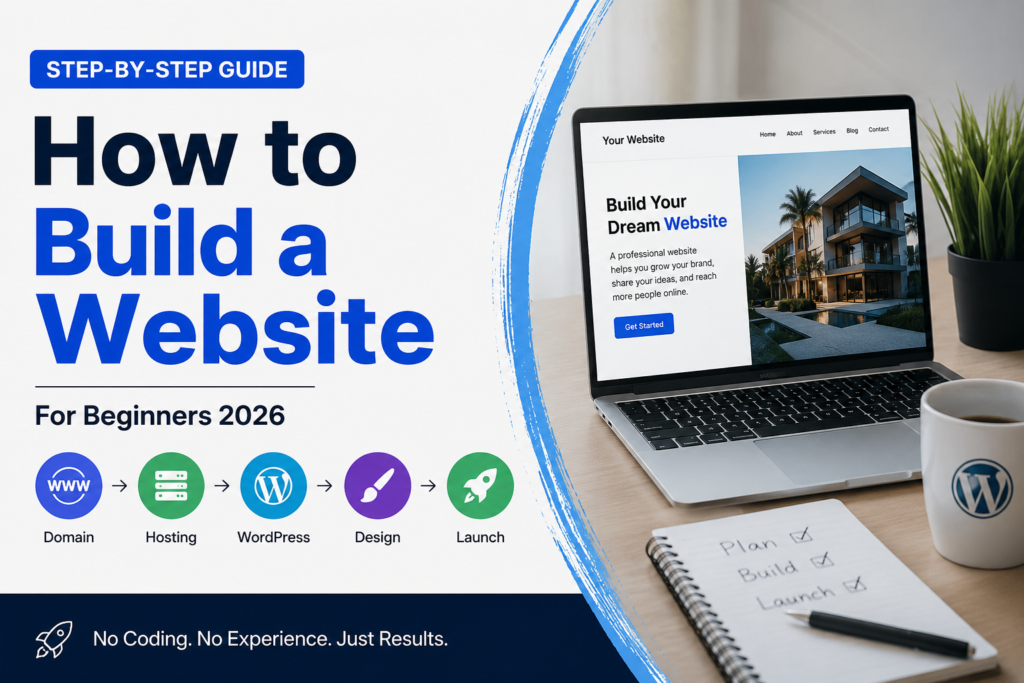
Thinking about building a WordPress website but not sure how much it’ll actually cost you? You’re not alone. One of the most common questions beginners ask before diving into WordPress is, “What’s this really going to cost me?”
The good news is that WordPress itself is free and open-source. But to turn it into a fully functioning website, you’ll need a few essential pieces: a domain name, hosting, a theme, and plugins. Depending on the choices you make, your total cost could range from under $100 a year to several hundred dollars.
In this guide, we’ll break down exactly what you need, what it costs, and where you can save money without sacrificing quality.
## 1. Domain Name: Your Website’s Address
Your domain name (like growwithzayd.com) is how people find you online. It’s typically the cheapest part of the entire setup.
**Average cost:** $10–$20 per year
Most domain registrars like Namecheap, GoDaddy, or Google Domains offer competitive pricing, and many hosting providers even throw in a free domain for your first year when you sign up for a hosting plan.
**Pro tip:** Avoid registrars with high renewal fees. Some companies lure you in with a $1 first-year deal, then jack up the renewal price to $20-$30. Always check the renewal rate before committing.
## 2. Hosting: Where Your Website Lives
Hosting is where your website’s files actually live on the internet. This is usually the biggest recurring cost in your WordPress budget.
**Average cost:** $3–$30 per month (shared hosting), $20–$100+ per month (managed WordPress hosting)
Here’s a quick breakdown of hosting types:
– **Shared hosting** (Bluehost, Hostinger, SiteGround): Budget-friendly and great for beginners. You share server resources with other websites.
– **Managed WordPress hosting** (WP Engine, Kinsta): Faster, more secure, and optimized specifically for WordPress, but pricier.
– **VPS or cloud hosting**: Ideal once your traffic grows and you need more power and flexibility.
For most beginners, starting with shared hosting is perfectly fine. You can always upgrade later as your site grows.
## 3. Themes: Your Website’s Design
Your theme controls how your website looks and functions. WordPress offers thousands of free themes, but premium themes often provide better design flexibility, faster load times, and dedicated support.
**Average cost:** Free–$200 (one-time or annual fee)
Popular premium theme options include Astra, GeneratePress, and Divi. Many of these are lightweight, SEO-friendly, and compatible with popular page builders like Elementor.
If you’re just starting out, a free theme paired with a solid page builder can absolutely get the job done. As your business grows, investing in a premium theme can improve site speed and customization options.
## 4. Plugins: Adding Functionality
Plugins are what turn a basic WordPress site into a powerful business tool. Whether you need SEO optimization, contact forms, security, or e-commerce functionality, there’s a plugin for it.
**Average cost:** Free–$500+ per year (depending on your needs)
Essential plugins most sites need:
– **Yoast SEO or Rank Math** (SEO) – Free, with premium upgrades available
– **WP Rocket** (caching/speed) – ~$59/year
– **Wordfence** (security) – Free, with premium option
– **WooCommerce** (e-commerce) – Free, but extensions can add up
Many beginners can run a solid website using entirely free plugins. Premium versions become worthwhile once you need advanced features or higher performance.
## So, What’s the Real Total Cost?
Here’s a realistic estimate for a beginner-friendly WordPress website:
– **Budget setup:** ~$80–$150/year (domain + shared hosting + free theme/plugins)
– **Mid-range setup:** ~$300–$600/year (better hosting + premium theme + a few paid plugins)
– **Advanced setup:** $1,000+/year (managed hosting + premium theme + multiple premium plugins)
The beauty of WordPress is scalability. You don’t need to spend a fortune upfront. Start lean, and reinvest in better tools as your website starts generating traffic or revenue.
## Final Thoughts
Building a WordPress website doesn’t have to break the bank. With the right combination of domain, hosting, theme, and plugins, you can launch a professional-looking site for less than the cost of a nice dinner out.
The key is understanding what you actually need versus what’s a nice-to-have, especially in the early stages.
Ready to build your website the smart way? At Grow With Zayd, we help beginners navigate WordPress, hosting, and digital marketing without the overwhelm. Subscribe to our blog or reach out today to get personalized recommendations for your next website project.